
Process automation: fewer manual tasks, more time for the business.
I connect the tools your business already uses and automate the repetitive steps — across forms, email, CRM, invoicing, databases and internal systems.
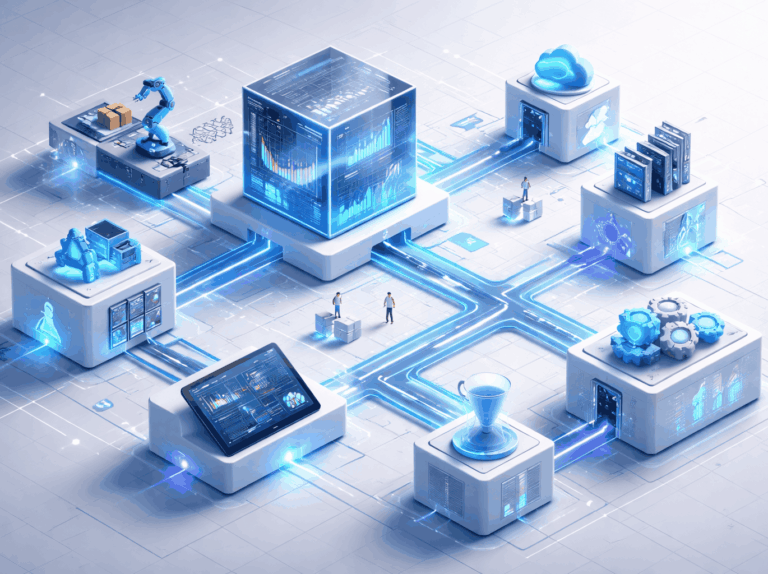
Repetitive tasks and scattered information.
Many businesses still lose time to manual tasks, processes that depend on one person and information copied between several tools.
The result? More errors, forgotten requests and less time for what actually grows the business.
What gets solved.
Information reaches the right person, with less manual work.
I create controlled connections between everyday tools so processes flow simply, securely and efficiently. If the process involves decisions or responses, also see Applied AI and AI agents.
Requests and enquiries
A form or email is recorded, classified and sent to the right person.
Customers and orders
A new customer or order updates the CRM and prepares invoicing.
Confirmations and alerts
Emails, reminders and notifications are sent automatically according to the status.
Between systems
Data is no longer copied manually between spreadsheets, CRM, invoicing and other tools.
Periodic reports
The relevant data is gathered and delivered in automatic reports.
Exceptions
The flow moves forward on its own in normal situations, but alerts the person responsible when there is urgency or a sensitive decision.
Connected processes. More efficiency.
Systems that talk to each other.
Clear rules and validations.
Human validation at the right points.
Less manual work and fewer errors.
Organised, accessible information.
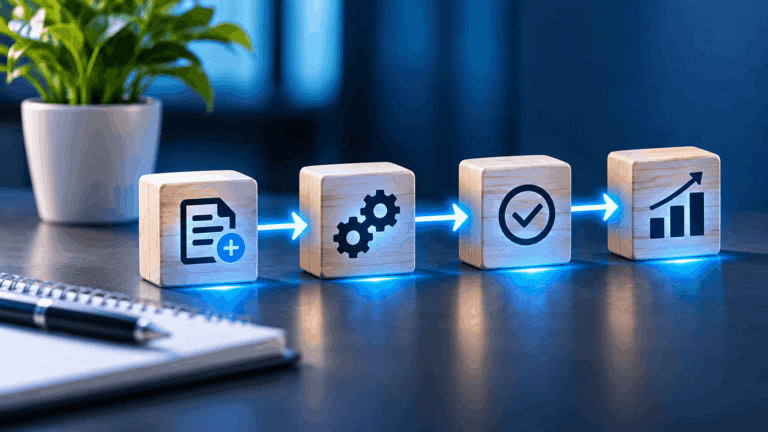
From analysis to a working automation.
Assessment
Map the process, the tools involved and where time is being lost.
Prioritisation
Identify the automation with the greatest benefit and lowest risk.
Implementation
Connect the systems and create the flow rules.
Testing
Validate under real conditions before going live.
Ongoing support
Document the process and leave everything ready to evolve.
Connections between the tools you already use.
I work with automation and integration tools, including n8n, Make, APIs, webhooks, WordPress, WooCommerce, CRM, email and databases, choosing the approach best suited to each process.
Email and forms
CRM
E-commerce
Databases
Common questions.
Clear answers to the most common questions about process automation.
What kinds of processes can be automated?
Repetitive, rule-based tasks: recording and classifying requests, updating data between systems, sending confirmations and alerts, invoicing and periodic reports. Processes that depend on human judgement keep validation at the right points.
Does automation replace my team?
No. Automation reduces manual, repetitive work so the team has time for tasks that require judgement and customer contact. People remain responsible for exceptions and sensitive decisions.
Do I need to replace the tools I already use?
In most cases, no. The goal is to connect the tools already in use — email, CRM, invoicing, WooCommerce, databases — through integrations. I only propose changes when a tool clearly blocks the process.
How is control of the process ensured?
Each automation runs with defined rules and validations, a log of actions, and exceptions flagged to the person responsible. At sensitive points there is human validation and the process is documented.
How long does it take to get the automation running?
It depends on the complexity: a simple automation between two tools can be running within days; processes with several integrations and validations take longer. After the assessment I give a concrete timeframe for the agreed scope.